
CM Platform Onboarding: How to Choose Which Inquiry Stages Need a Shared View
A practical way to decide which inquiry stages should be visible to the team, which can remain with one person, and what to clarify before discussing a CM platform workflow.

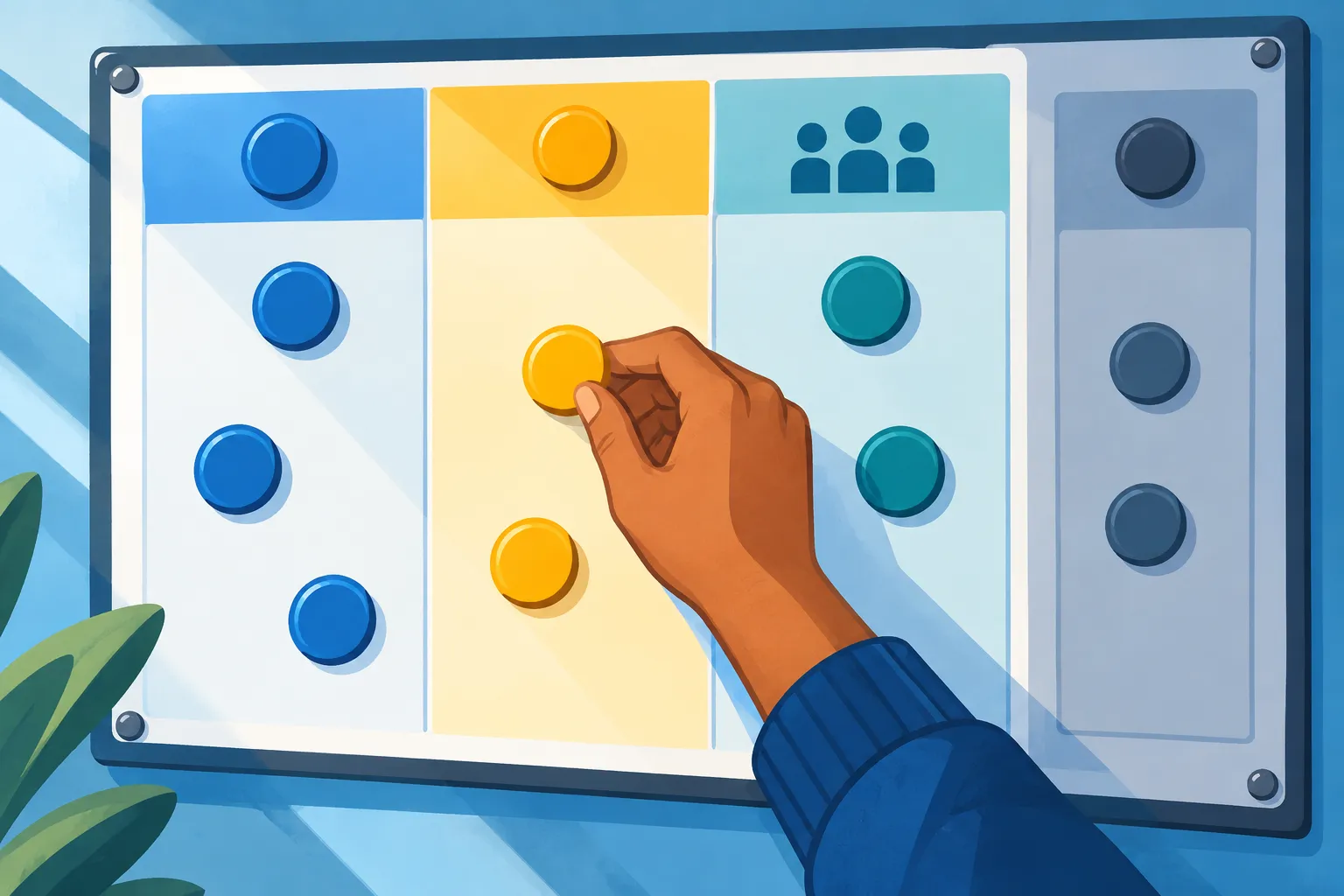
Give the team a shared view of an inquiry stage when more than one person needs to know its status or take the next action. Keep stages individual when one person owns the work and a handoff is unlikely. Start by tracing what happens after a new inquiry arrives, then mark the points where ownership changes, a decision is pending, or a customer is waiting. This gives you a focused basis for discussing a workflow during guided onboarding. The right setup depends on your team, service process, and the platform features currently available.
Start with decisions, not software screens
A shared view is useful when it helps someone answer a practical question: Has this inquiry been acknowledged? Who is preparing the estimate? Is the customer waiting for information, or is the next step with the business? If a stage does not change what anyone needs to do, sharing it may add clutter rather than clarity. The goal is not to make every detail visible to everyone. It is to make the status and ownership understandable to the people who need to coordinate.
Write down the stages in ordinary language before discussing app configuration. A simple sequence might be “new inquiry,” “needs a reply,” “estimate being prepared,” “sent to customer,” and “customer decision pending.” These are illustrative labels, not a required template or a claim about a particular platform feature. Your actual process may have fewer stages, different names, or separate paths for different services. Keep the labels recognizable to the people who will use them.
- Share a stage when another person may need to act, cover, or answer a status question.
- Keep a stage with one owner when no team decision or handoff depends on it.
- Use a clear next action rather than a vague label such as “in progress.”
A stage earns a shared view when visibility helps someone coordinate the next step.
Compare stages by coordination need
Consider each stage through three lenses: ownership, waiting, and consequence. Ownership asks who is responsible now. Waiting asks whether the customer or a teammate is expecting something. Consequence asks what could become confusing if the status is not visible. A stage with a clear owner, a pending response, and a meaningful handoff is a strong candidate for shared visibility. A stage that is simply one person’s private working note may not need to appear in the team’s main view.
For example, imagine a small cleaning business where one person receives a request and another prepares an estimate. “New request” may need to be visible to both because someone must acknowledge it and assign the next action. The estimate writer may keep personal drafting notes private, while “estimate sent” could be shared if another teammate handles follow-up. This is an illustrative scenario only; it does not describe a CM customer or a documented result. The useful question is which status helps the next person continue without guessing.
| Stage pattern | Shared view may help when | Keep it simpler when |
|---|---|---|
| New inquiry | Someone must assign or acknowledge it | One person receives and handles it |
| Estimate preparation | A teammate needs to know who owns the next step | Drafting is private work with no handoff |
| Waiting for customer | The team needs a common status before follow-up | One owner already tracks the conversation clearly |
| Completed or closed | The team needs to distinguish finished work from open requests | The status adds no useful decision or coordination |
Compare the coordination value of each stage, not how many stages a platform can display.
Choose the smallest useful shared view
A shared view can become noisy if it combines every conversation detail, estimate note, and internal task. Separate the status people need from the information only one person needs to do the work. For example, a teammate may need to see that an estimate is being prepared and who owns it, without seeing every draft calculation or discussion note. Decide what the team needs to coordinate, then discuss where the relevant details belong in the available workflow.
Also distinguish a stage from a reminder. “Waiting for customer” describes the current state; “check back about the estimate” describes an action someone may need to take. If the platform supports a suitable way to represent both, ask how they relate during onboarding. Do not assume a particular reminder, automation, or notification is available. Confirm current feature availability with the CM team, and keep a manual fallback in mind if a desired function is not part of the setup.
- Can a teammate tell who owns the next action?
- Can the team recognize when a customer is waiting?
- Does the stage name describe a real status rather than a vague activity?
- Would sharing this detail help coordination, or expose unnecessary working notes?
- What should happen when the usual owner is unavailable?
Make the shared view small enough to scan and specific enough to support a handoff.
Prepare a focused onboarding discussion
Bring a short map of your current process rather than a long list of ideal features. For each stage, note its plain-language name, the person responsible, what event moves an inquiry into it, and what should happen next. Mark any point where ownership changes or a customer is waiting. If the process differs by service, describe the difference only when it changes the next action or the information the team needs to see.
Then identify the unresolved decisions. You might need to agree who can change a status, whether estimate follow-up belongs to the same owner, or which stages should be visible across the team. Keep these as questions, not assumptions about app behavior. CM plan enrollment and app access are arranged manually through guided onboarding, so the team can discuss your workflow, current feature availability, and next steps. The subscription and any advertising-platform budget are separate costs; neither determines which stages your team should share.
- Sketch the path from first inquiry to the point where the request is complete or no longer active.
- Mark handoffs, waiting points, and decisions that another person may need to see.
- Choose the smallest set of shared statuses that makes ownership and next action clear.
- Ask the CM team which parts of that workflow are supported and how onboarding would address them.
Bring a process map and specific questions; let confirmed feature availability shape the final setup.
Common questions
Should every team member see every inquiry stage?
Not necessarily. Share a stage with the people who need to coordinate, cover the work, or answer a status question. Limit visibility where a detail is only useful to one owner or does not affect the next step. Your team’s roles and the platform’s available controls will shape the practical setup, so confirm those details during onboarding.
What if the team cannot agree on a stage name?
Describe the event that moves an inquiry into the stage and the action expected afterward. If people interpret the label differently, choose a more concrete phrase or split the stage only when the distinction changes ownership or follow-up. Bring the disagreement as an onboarding question rather than adding extra statuses just to cover every possible interpretation.
 Contact us on WhatsApp ↗