
SEO for Service Businesses in Long Beach: How to Check Whether Your Website Makes It Easy to Request an Estimate
A practical guide for Long Beach service businesses to review the path from a service page to an estimate request. Check whether visitors can identify the right service, understand what happens next, and submit useful details without facing unnecessary friction.
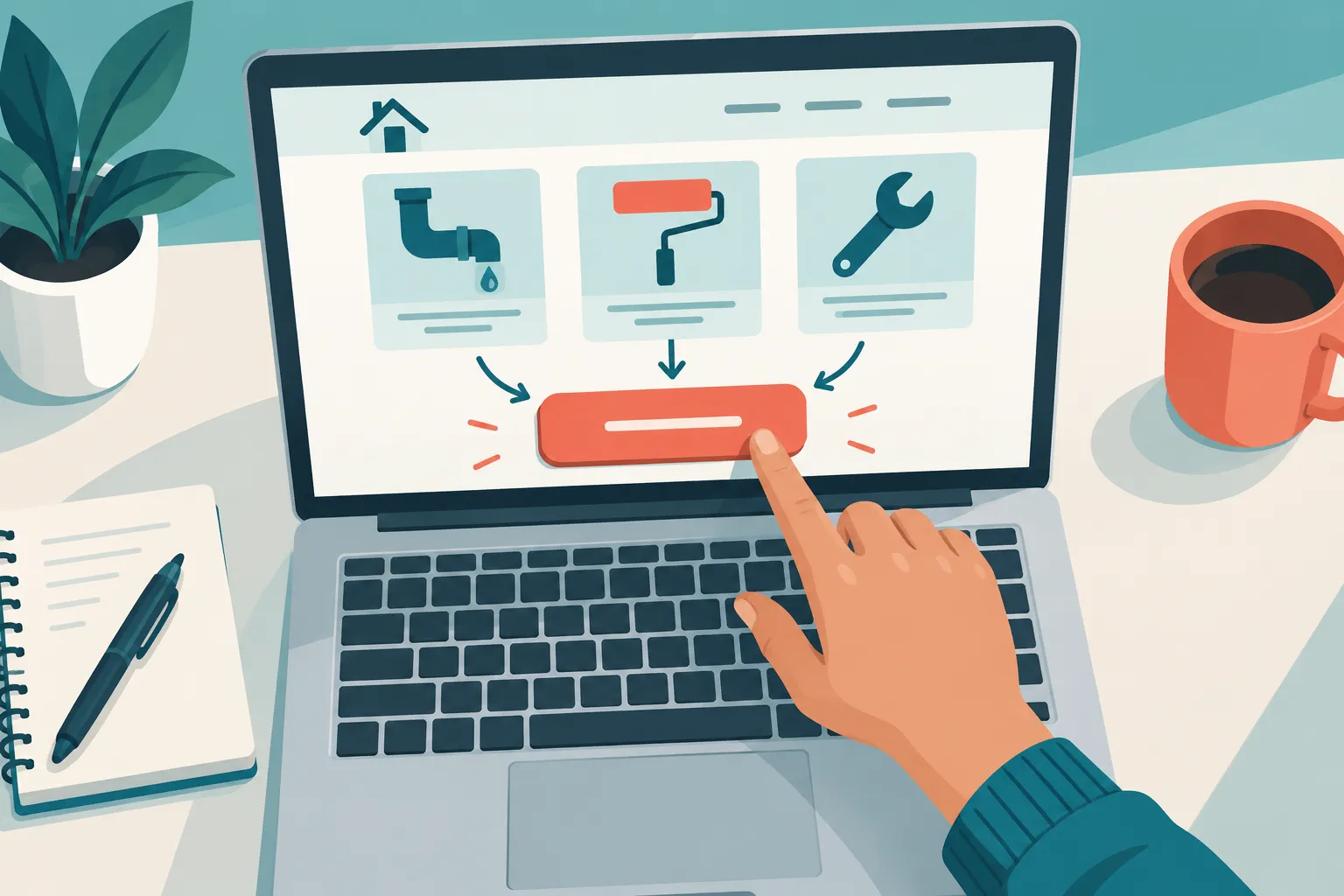
To make estimate requests easier, check whether a visitor can quickly identify the service, confirm that it fits their needs, understand what information to provide, and find a clear way to contact you. Then test the request path on a phone and remove steps that do not help you respond. For a Long Beach business, describe the areas and services you actually cover rather than assuming every visitor knows your boundaries. Prioritize clarity and usefulness; search visibility and customer responses vary with the business, website, and audience.
Start with the visitor’s decision
A service page should help someone decide whether to take the next step, not merely announce that a business exists. Begin by asking what a first-time visitor needs to know before requesting an estimate: what the service includes, who it is for, where it is available, and what happens after submitting a request. If those answers are scattered across multiple pages or hidden in broad marketing language, the visitor may hesitate or send an incomplete inquiry.
Read the page as if you have never heard of the business. Can you tell which service is being offered without interpreting vague phrases such as “complete solutions”? Does the page distinguish this service from other work the business provides? Are important conditions, such as the service area or the need to discuss a particular job before estimating it, stated plainly? A useful page answers these questions in ordinary language and avoids implying that every request will receive the same process or outcome.
- Name the service in the page heading and opening copy.
- Explain the basic scope and identify what may need individual discussion.
- Describe the coverage area accurately, including relevant boundaries.
- Use a clear next step that matches how the business actually handles inquiries.
A visitor should be able to tell whether the service fits before being asked to share details.
Trace the estimate-request path
Follow the path from a search result or service page to the point where a visitor can make contact. Look for a visible call to action near the service explanation, then check whether it leads to a working form, phone option, or other contact method the business actually uses. A button that says “Request an estimate” should lead somewhere that supports that request, rather than to a generic page that makes the visitor start over.
Check the path on a phone as well as a desktop. Notice whether the call to action is easy to find, whether fields are readable, and whether the form can be completed without unnecessary scrolling or repeated entry. Test the process without submitting a real inquiry if doing so would create a customer record or trigger a response. If you do test it, use an agreed internal method and make sure the team knows it is a test. The goal is to identify confusing steps, not to manufacture activity or assume that a smoother form alone will produce more inquiries.
- Open the service page as a new visitor would, from a search result or the website navigation.
- Find the estimate-request action and follow it to the contact method.
- Check the form or contact instructions on a phone and desktop.
- Write down any unclear wording, broken destination, or step that asks for information without explaining why.
Review the whole route, not only the wording of the button.
Ask for useful details without overloading the form
A request form should collect enough information to help the business understand what the visitor wants and decide how to respond. The right fields depend on the service and the way estimates are prepared. Commonly useful prompts might include the service requested, a short description of the work, the general location, and a preferred way to follow up. Treat these as options to evaluate, not a required template for every business.
For each field, ask: will this answer change the next response, help clarify the scope, or prevent an avoidable back-and-forth? If not, consider removing it or making it optional. Avoid asking for details the business does not need at the first contact. Explain why a less obvious detail is requested, and provide a way to ask a question if someone is unsure how to answer. A shorter form is not automatically better if it leaves the team without enough context; a longer form is not automatically more useful if visitors cannot tell what is essential.
| Form choice | When it may help | What to check |
|---|---|---|
| Required field | The answer is needed to understand or respond to the request. | Explain the field clearly and avoid requiring information the business does not use. |
| Optional field | The detail could help but is not necessary for an initial response. | Make it clear that the visitor can continue without answering. |
| Open-ended prompt | The visitor needs room to describe a job that does not fit fixed choices. | Keep the prompt focused and avoid asking for a full project plan. |
Keep fields that support a real next step; explain or remove the rest.

Make the next step and local coverage clear
A visitor should know what happens after sending a request. State whether the business will review the details and follow up, whether more information may be needed, or whether the visitor should use a different contact method for a particular kind of question. Describe only the process the business can actually support. Avoid inventing response times or implying that every inquiry will result in an estimate.
For Long Beach service businesses, local context is useful when it helps a visitor decide whether to contact you. State the neighborhoods or nearby areas you serve only when that coverage is accurate, and explain any meaningful limits. A city name inserted into a heading does not tell someone whether their address is within range. The Long Beach business-resource page identifies a city Business Portal for businesses seeking help planning or growing. That local resource is a reminder to keep the website’s own service information distinct from general business-support resources: a visitor needs your actual coverage and request process, not a city resource presented as a substitute for them.
- Use specific, accurate service-area wording rather than a broad claim that could mislead.
- Tell visitors what kind of follow-up to expect without stating an unsupported timeframe.
- Offer a clear alternative if the form is not suitable for their question.
- Keep city or neighborhood references relevant to the service and the visitor’s decision.
Local wording should clarify fit and coverage, not serve as decoration.
Choose what to update first
SEO work can include service-page content, local context, internal links, and review of information reported by search tools, but publication and indexing are different steps. A page update does not establish that a search engine has indexed it or that visitors will respond in a particular way. Keep the scope tied to the services you offer, the locations you actually cover, and the questions your customers need answered. If you want help organizing that work, review the [SEO support for service businesses](https://cmlaplata.ar/seo/) and clarify the page, audience, coverage, and desired next step before discussing scope.
- Record the page, the point of friction, and the visitor question it leaves unanswered.
- Choose one change that addresses the clearest obstacle.
- Check the revised page on a phone and desktop, including the contact destination.
- Review relevant search and contact activity over comparable periods, while keeping organic visibility separate from advertising and sales.
Make a focused change, then evaluate what the available evidence says rather than assuming an outcome.
Common questions
What should an estimate request form ask?
Ask for details that help the business understand the requested service and choose a useful next response. Depending on the work, that might include the service, a brief description, general location, and preferred contact method. Make nonessential details optional, explain unclear prompts, and avoid collecting information that does not support the initial conversation.
How can I tell whether the request path is too complicated?
Try to complete the path on a phone as a first-time visitor. Note whether the service and next step are clear, whether the contact option works, and whether any field or page creates confusion. A step is worth reviewing when it asks for information without a clear purpose, repeats details, or sends visitors somewhere that does not match the action they chose.
 Contact us on WhatsApp ↗